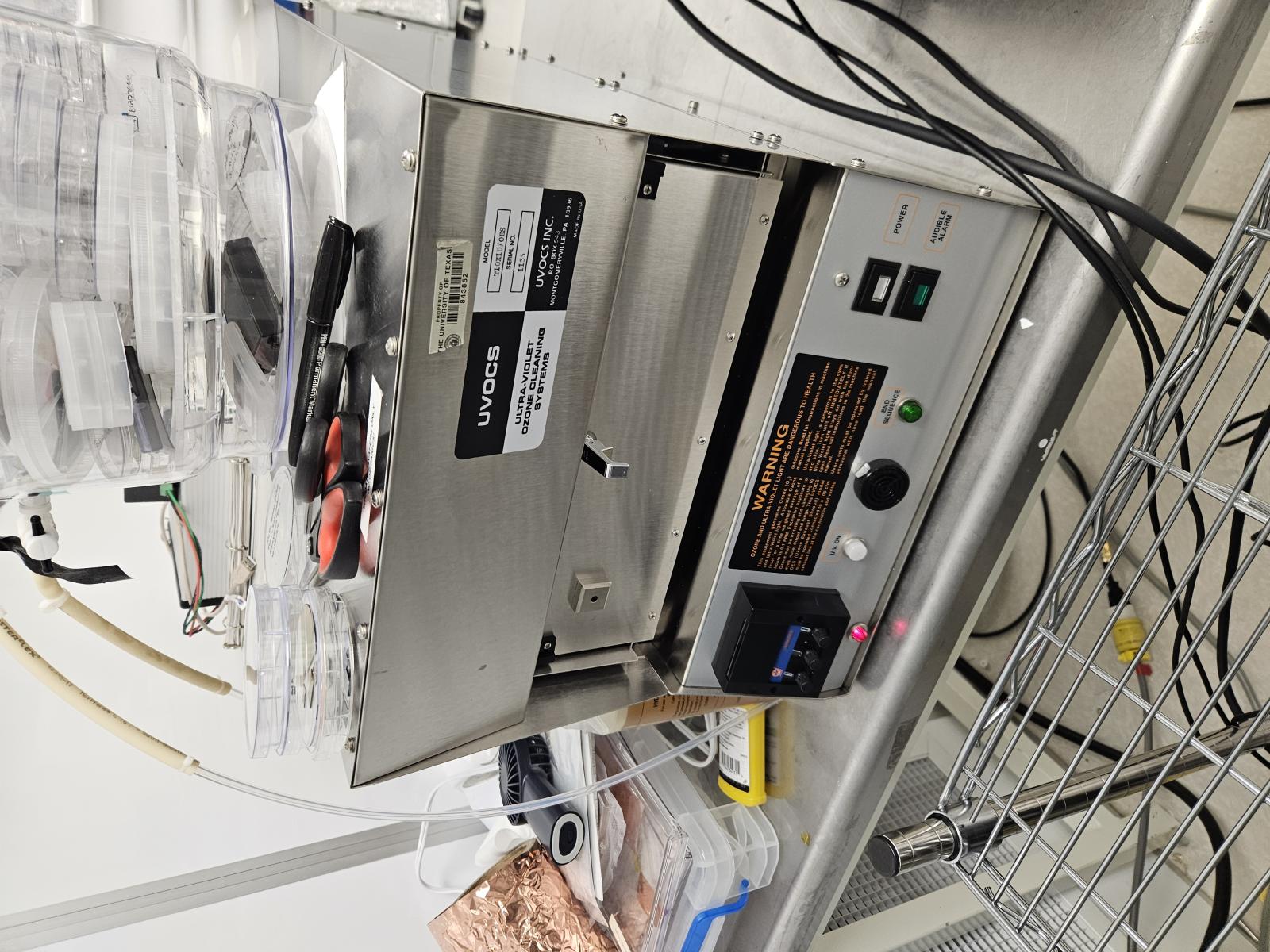
Wafer cleaner
Compatible Materials: Si / SiGe / Hi-K (As per label)
Incompatible Materials: Metals Photoresist
Operation Procedures:
- Log on the Tool Using the LabAccess Terminal
- Make sure it's plugged in.
- Turn on the switch on the back which is near the power cord.
- Insert you sample
- Make sure door is closed.
- Set time.
- Press the UV button.
- To check: There's a small little window near the door to the UV ozone chamber. The color through the window changes (might be orange to green) when the UV is not running vs when the UV is running (it stayed dark).
- Open door, Remove sample, Close door, Turn off the system switch
- Log OFF from the Tool Using the LabAccess Terminal