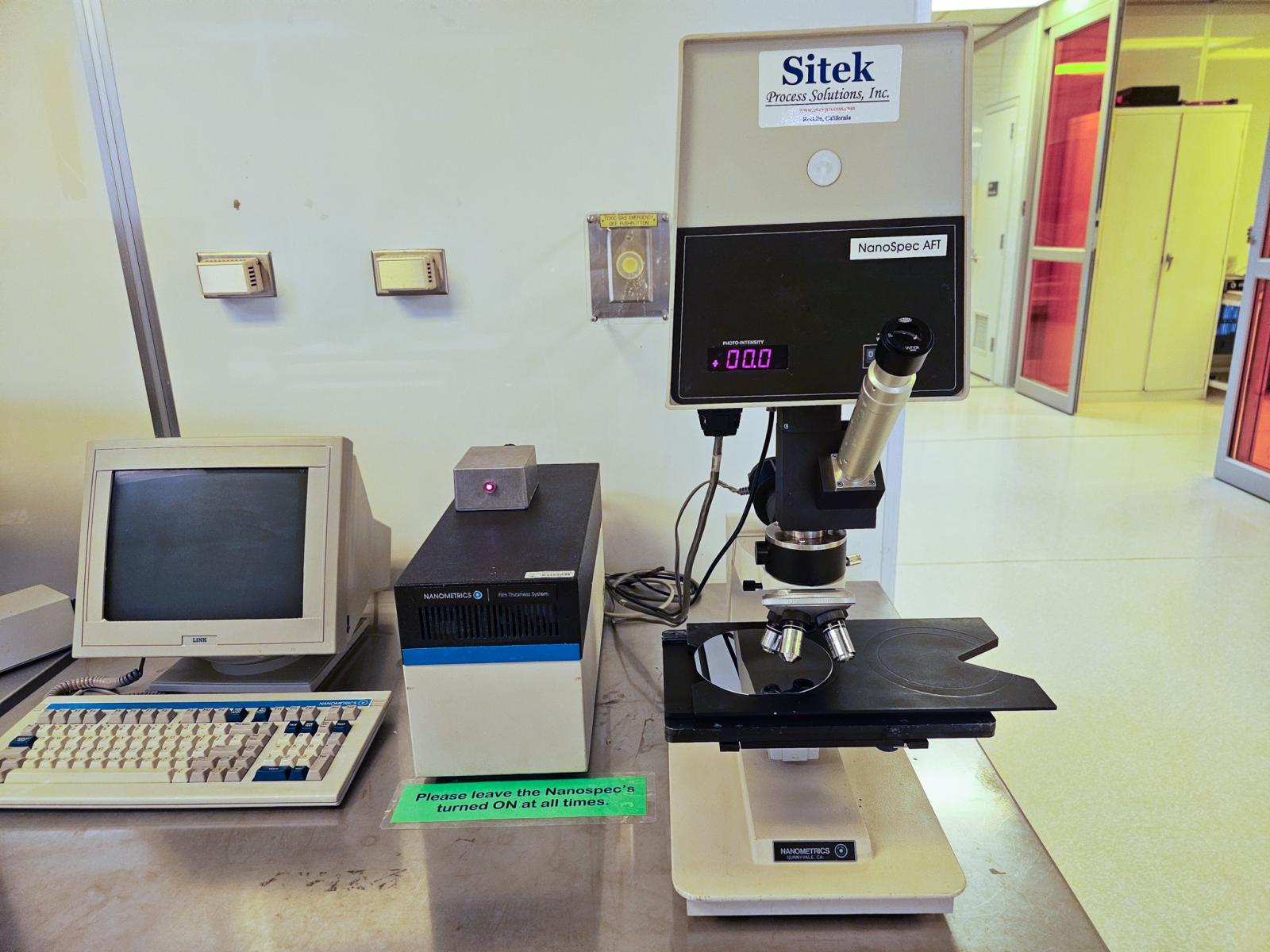
Nanospec Microscope
Operation Procedures:
- Log on the tool using LabAccess Terminal
- Log into Nanospec/AFT:
- Username: nano
- Password: 4000
- Select [AUTO] or [F3]
- OPTION: "Do You Want to Save Measurements In Database" [Yes/No], Select [No]
- Select a Recipe from "COOKBOOK SELECTION;" Scroll through and select a recipe from the "AVAILABLE RECIPE" list
- REMINDER: Take a New Reference? Age of Reference [Yes/No], select appropriate: normally select [No]
- Load wafer on the stage and select lens. Use the positioning pegs if necessary
- Find specified target area and adjust focus. Bring aperture into focus using focus knobs
- REMINDER: "Is Cassette/Wafer Ready", press OK to continue [OK] / [EXIT] select [OK]
- Take and record measurements
- REMINDER: Do you want to continue for another wafer [YES]/[NO], select appropriate
- To take individual/additional measurements:
- Select [MEAS] [F10]
- PMCAMERA2 (Screen Capture)
- Open PMCAMERA2 from desktop prior to taking measurements
- Specify a:\ for floppy
- Make sure “Full Screen” is selected
- Select [Options] [Save Options]
- Log into Nanospec AFT
- When Graph/Results are on screen, press [CTRL] [ESC]
- Select PMCAMERA from list
- Move PMCAMERA to bottom of window
- Select [GRAB] – [GRAB]
- NOTE: Each Capture takes Aprox. 300kb. You DO NOT receive a notice when floppy is full.
- Press [CTRL] [ESC] when capture is complete
- Select Nanospec From List To Return to Measuring
- Log off of the tool using the LabAccess terminal.