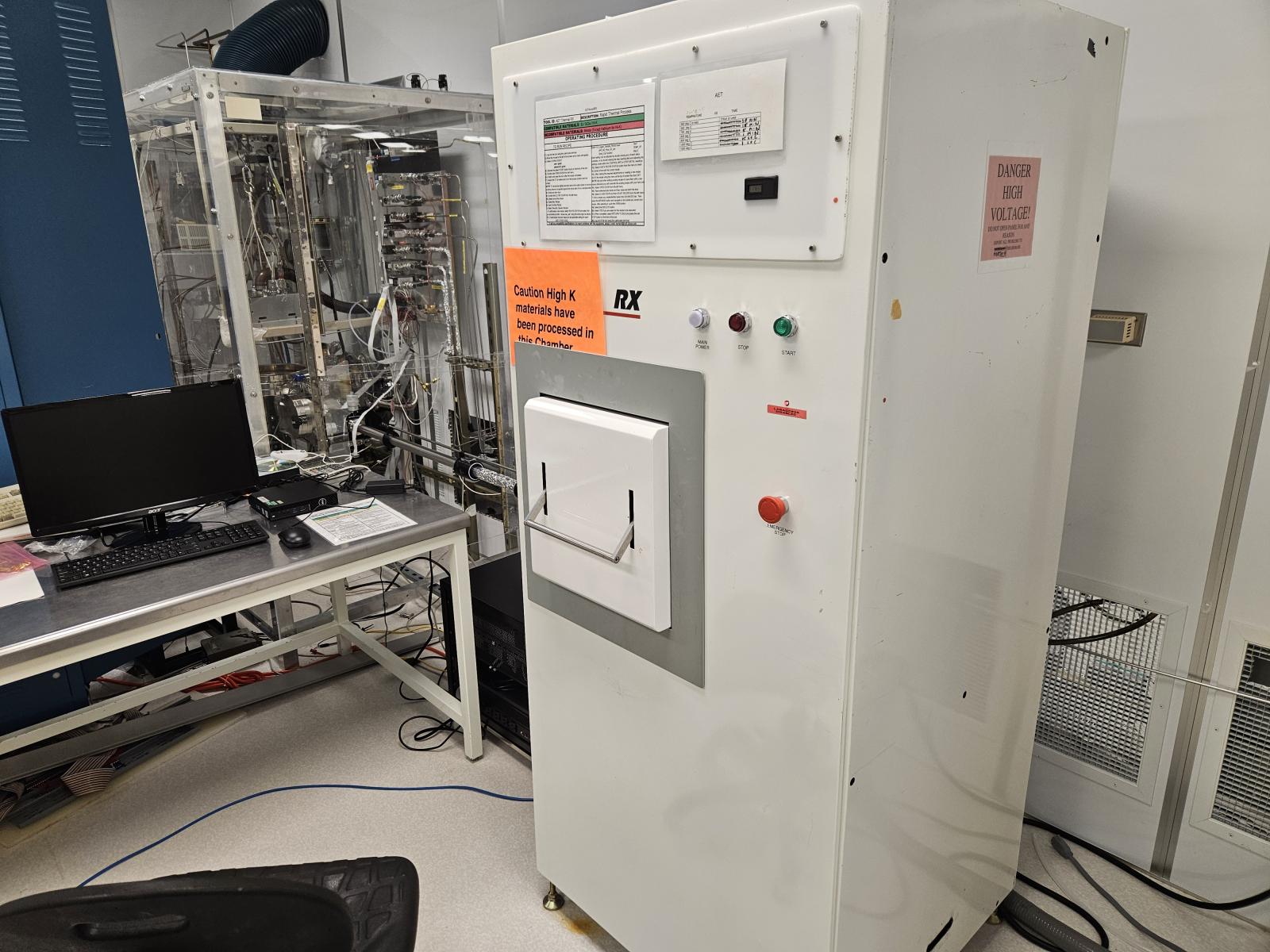
Rapid Thermal Process
N2, NO (nitric oxide, nitrogen monoxide), Nitrous oxide-laughing gas (N2O) NH3, O2
Compatible Materials: Si / SiGe / Hi-K (As per label)
Incompatible Materials: Metals (Except Hafnium for Hi-K)
Operation Procedures:
- Log on the Tool Using the LabAccess Terminal.
- Move the mouse to the left of the screen. A menu will appear.
- Select "LOGIN/LOGOUT" (username: guest; password: guest)
- Depress the green "START" button found on the front of the tool.
- Double click "Open Door" from left menu.
- Unlatch and open the door after recipe completes.
- Inspect the TC to make sure it is in the proper position and not broken. Note: TC should be slightly elevated above the wafer holder to insure positive pressure is applied against the back side of your sample/wafer.
- Close and latch door.
- Double click "Close Door" from left menu.
- To Edit/Create a New Recipe:
- Select "Recipe Editor"
- Select Current/Default Profile: "utexas.edu_aet"
- Log In - Use above login information
- Select one of the fallowing:
- Create New Recipe.
- Open Existing Recipe
- Select Recently Opened Recipes
- Create/Adjust Required Steps and all applicable settings for each step:
- Logger_Sample_Period msec
- Vent
- Temp_Cal_Function
- UHP_N2_Flow_SP_slm
- TEMP_SP
- Deg C