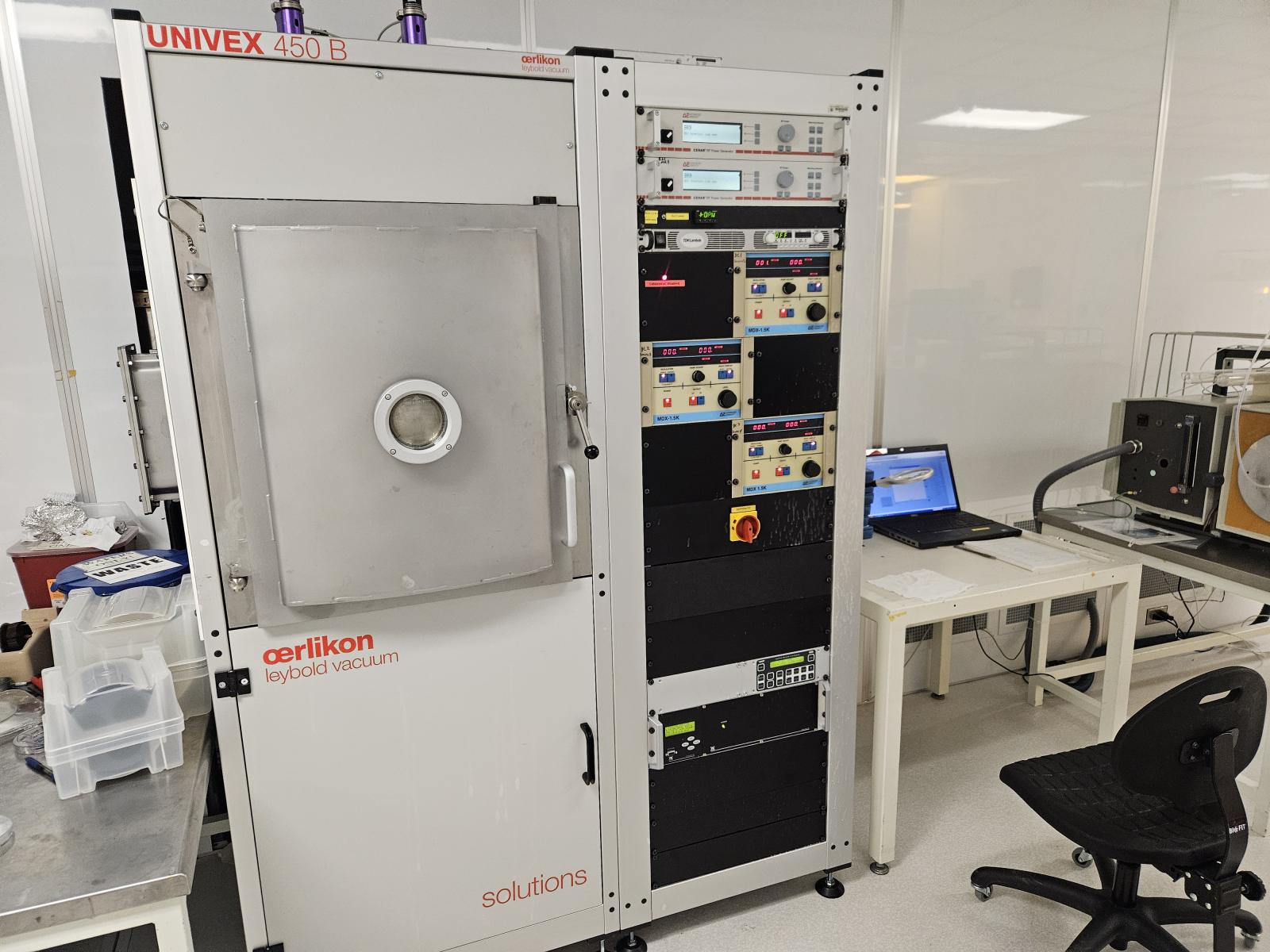
Features:
- Metal Deposition: Al, Ti, ITO
- Co-sputtering possible
- 4 targets -4inch-
- 3DC, 1RF, Lamps to heat up sample
- Ar, O2, N2
Compatible Materials: Si / SiGe
Incompatible Materials: Photoresist / III-V
Recipes:
- Aluminum deposition with 2 targets
- Ar flow 50 sccm
- DC = 375W
- 3 rpm
- 20 nm/min
- Titanium deposition with 1 target
- Ar flow 50 sccm
- DC = 500W
- 3 rpm
- 15 nm/min
- ITO deposition with 1 RF target
- Ar flow 50 sccm
- RF :200W
- 5min - 20nm film
- 8 RPM
- T = 200C
Operation Procedures:
- Enable lab access. Login as user1 on UNIVEX lab top.
- Venting the chamber: Left click on the screen in the pumping zone (bottom right). Pump system of process chamber 1 pops up. Press Venting.
- Cover the guns and lamps with Al foil when not in used. Check the oxidation of the Al target. If oxidized, brush the target. Run an Ar plasma burn. Place samples on the rotary plate, at 1 inch from the periphery. No paint nor tape needed to secure the samples. During deposition rotate the plate at a max speed of 3 rpm.
- Close the chamber On Pump system of process chamber 1 press Evacuate. Pump P110 will run. Once 10-3 mbar is achieved Cryo pump turns on (P120)
- Recipe editing - Automatic Mode.
Select Settings and Recipe Management from the top menu. Open Recipe/ Process Steps/ Chamber 1 Sputtering file/ a recipe file (AlSi-2T). Select Parameter. If the parameters changed save (icon) and Release (icon) recipe.
Select Magazine from the top menu. Clear the entry. Drag and Drop the chosen recipe. - Go to the Machine window.
- Once the pressure reaches 10-6 mbar, on the right side of the screen Enable the Automatic Mode and Start it.
- Go back to step 2-
- Logout form Labacess
- Enter your run information in the log book.